Appearance Tab
OnCue has a wide variety of customization options to fit your desired style.
Program Style:
There are two program-wide styles to choose from. Dark (default theme) or Light.
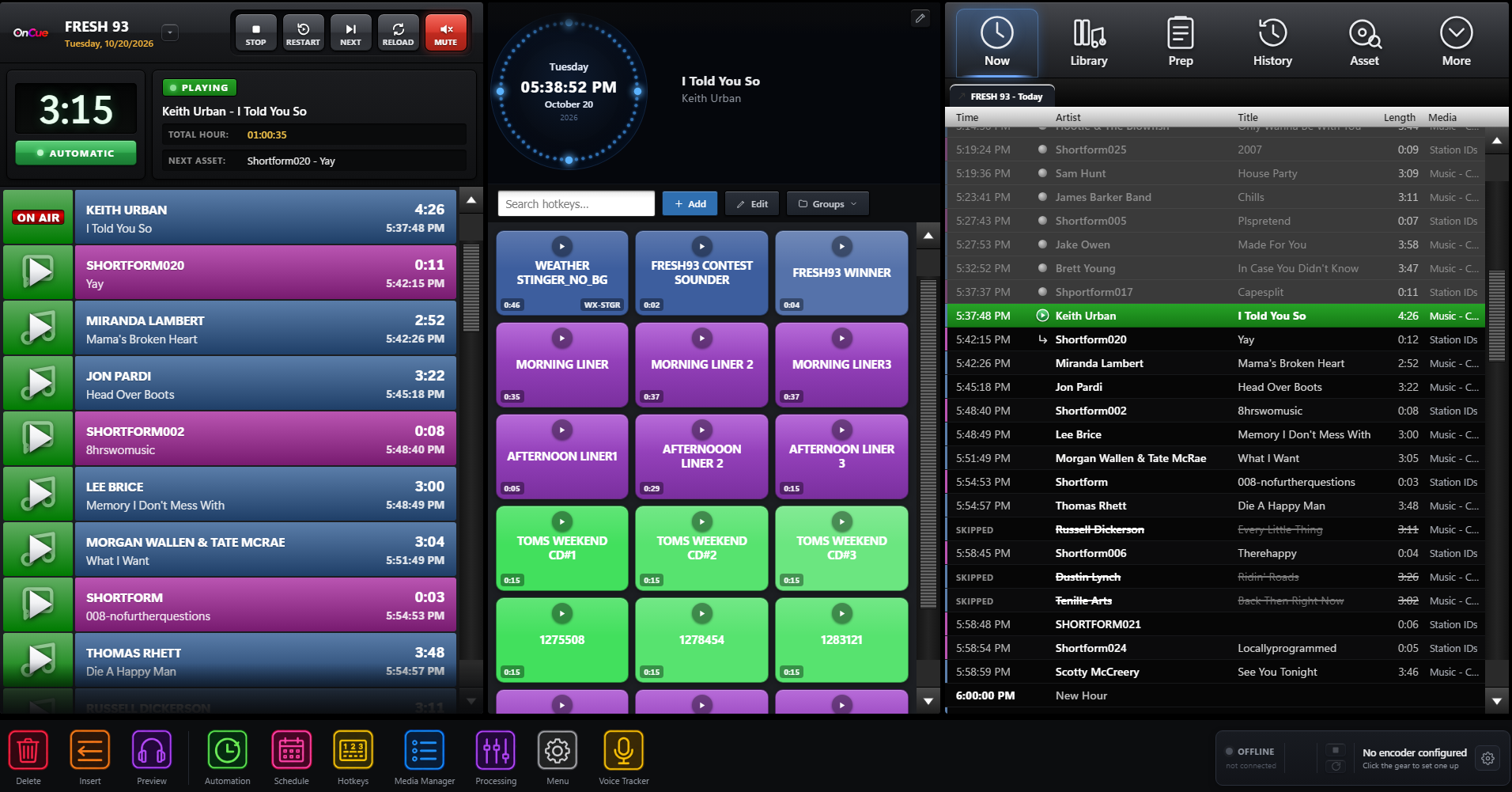
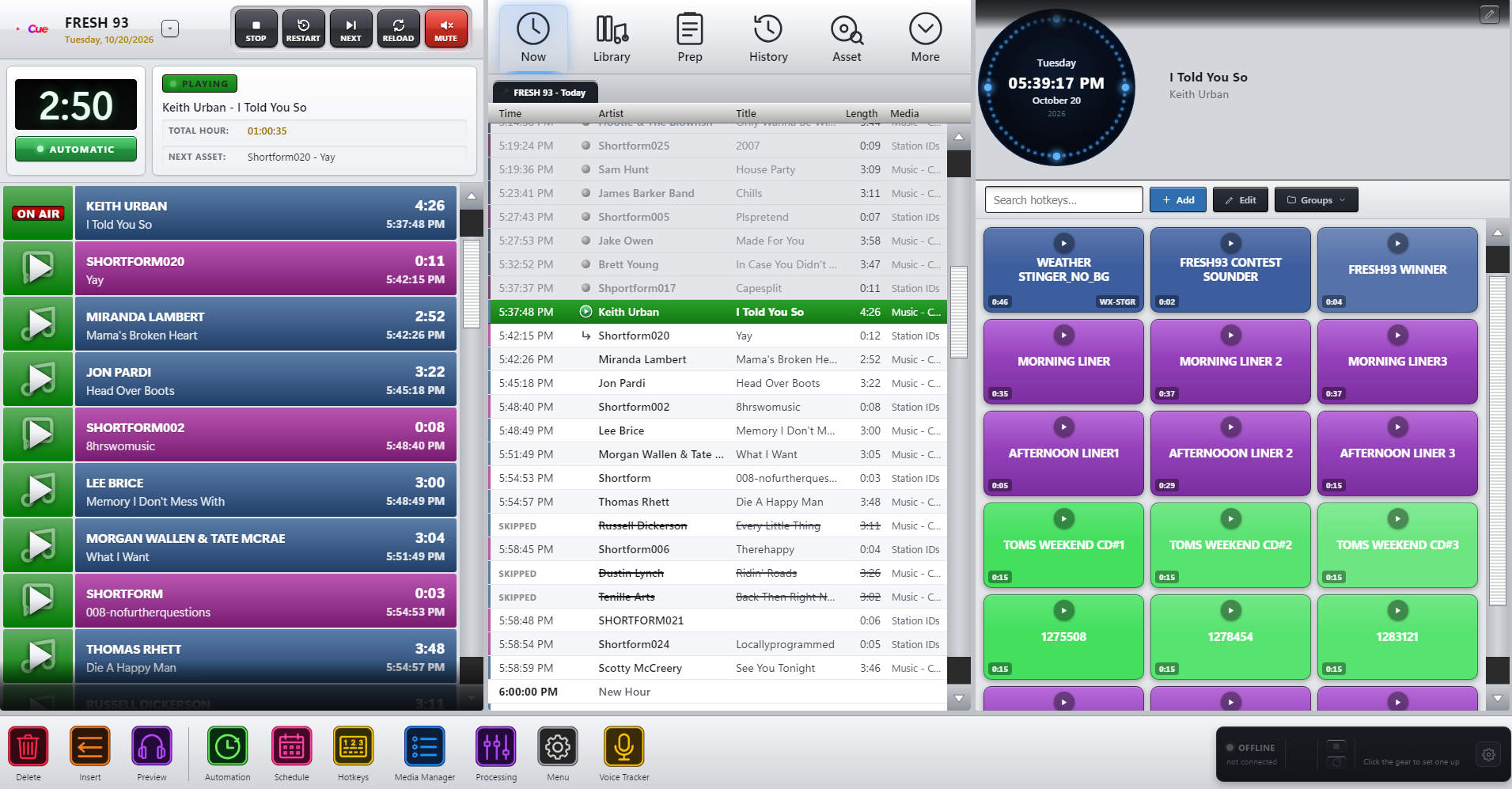
Stack Theme
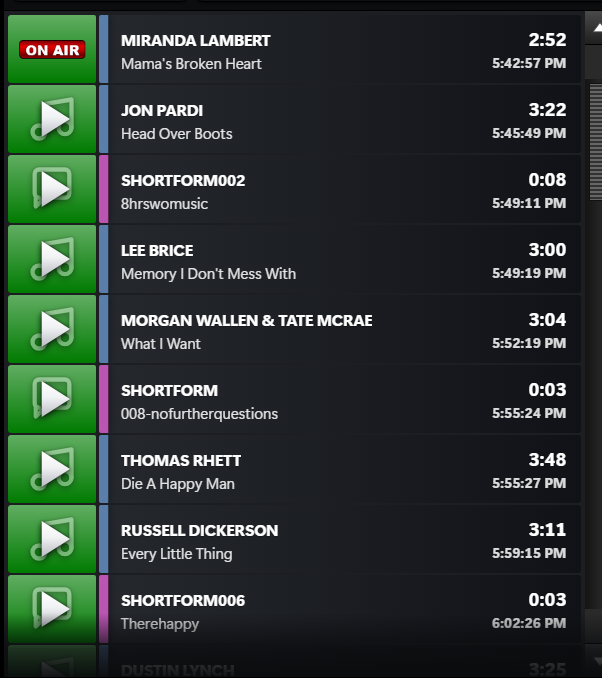
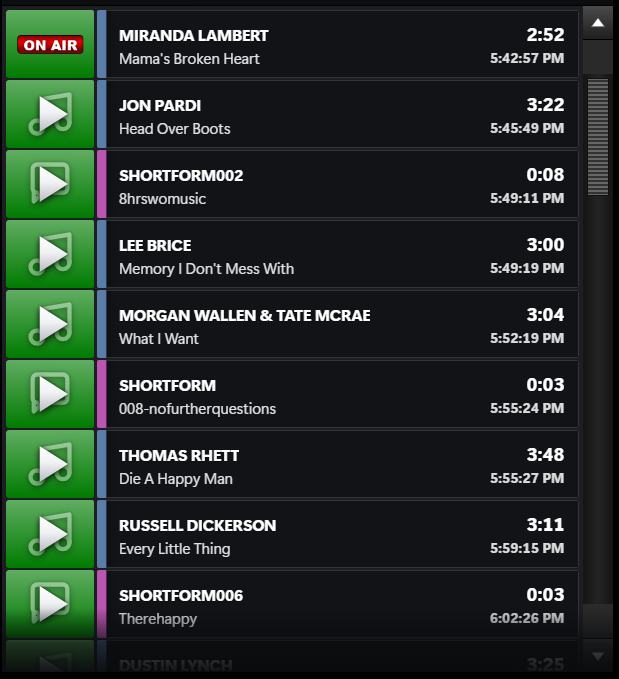
You can also customize the look of the stack. There are 5 different stack themes to choose from.
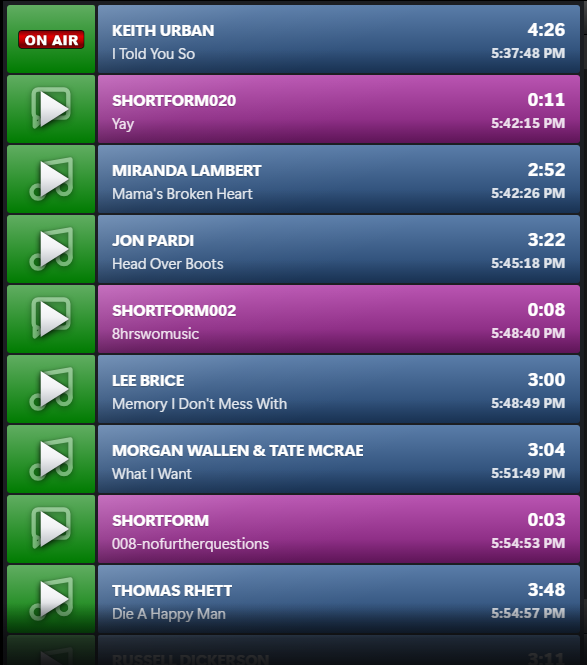
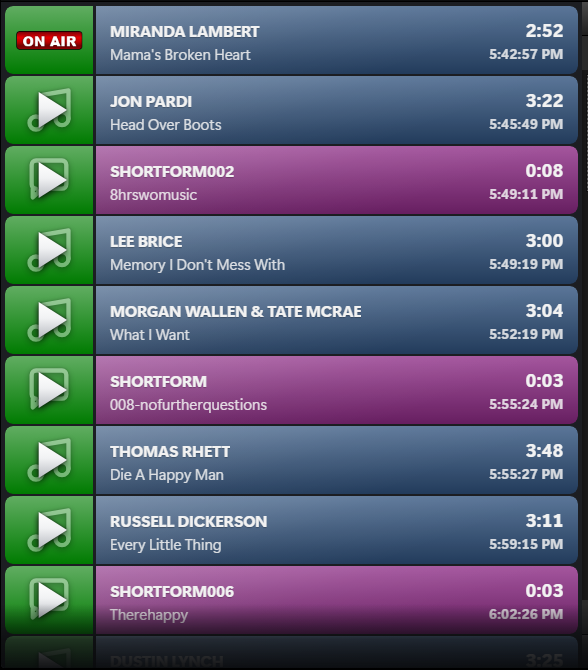
Stack Text
There are 5 different styles of Stack Text configurations that you can choose from.
Classic (default)
Modern (title first),
Broadcast (uppercase artist, strong times),
Compact (more on screen) or
Editorial (large title).
Layout
You can configure the overall layout to your liking by moving certain sections on the main OnCue screen. There are also 3 default styles, and the option to save a custom layout.
Classic (Stack, centre, hotkeys)
Wide centre, Big Stack, Hotkeys in the middle,
or a custom arrangement you build yourself.
Now Overview
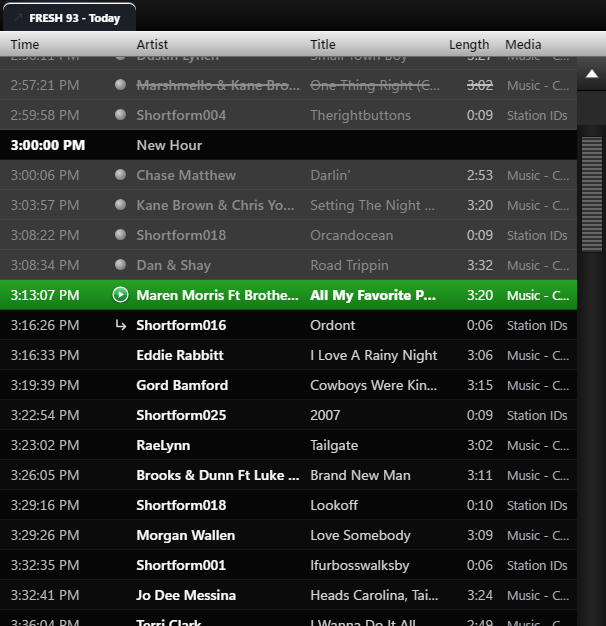
Configure how far ahead/how far back you want the schedule overview area to show.